
How to Make a Face Swap Meme in 30 Seconds (2026 Beginner Guide)
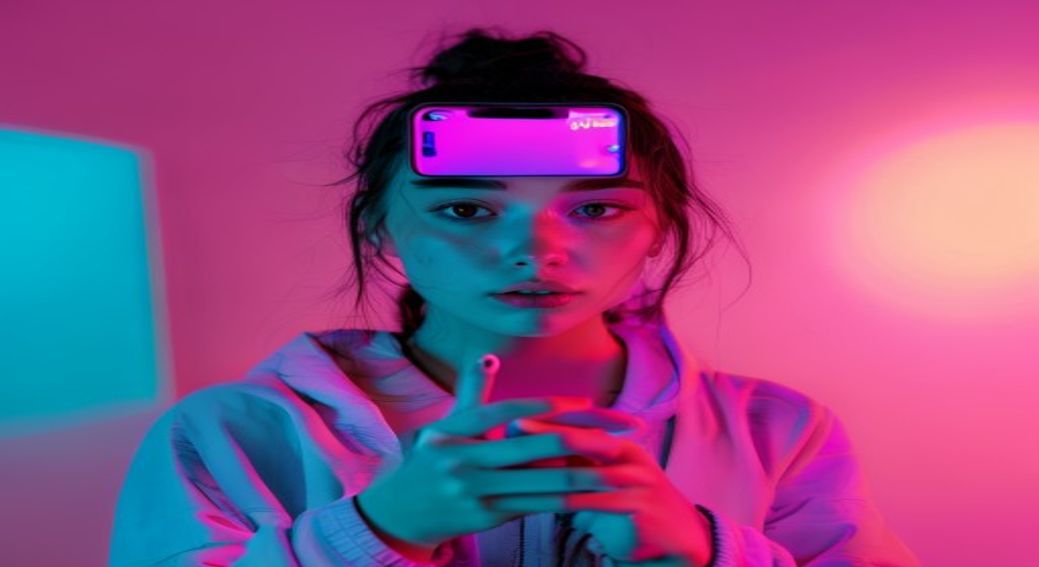
How to Make a Face Swap Meme in 30 Seconds
Face swap memes are one of the highest-engagement formats on social platforms in 2026 — short, surprising, and instantly shareable. The tooling has matured to the point where a beginner with no editing experience can make one in less than a minute. Here's the exact workflow.
What You Need Before You Start
- A clear, front-facing photo of the face you want to use (good lighting, no sunglasses, no extreme angles).
- A meme template — either a still image or a short video clip (10 seconds or less is ideal).
- A modern browser. No app install required if you use a web-based face swap tool like FaceSwapAI.
The 30-Second Workflow
- Open the tool (~3 seconds). Go to the face swap page and click "Start free."
- Upload the source face (~5 seconds). Drag and drop the photo with the face you want to use.
- Upload the meme template (~5 seconds). Drop in the template image or short clip.
- Generate (~10–15 seconds). The AI handles face detection, identity transfer, and color matching automatically.
- Download and post (~5 seconds). Save and upload to your platform of choice.
Format Tips by Platform
TikTok / Instagram Reels: Use a 9:16 vertical clip, 5–10 seconds, with a strong "before" frame in the first second. The meme reveal should hit before second 3 to maximize replays.
X (Twitter): Stills and short loops outperform long videos. Compress to under 5 MB for the best feed-load behavior.
Discord / Reddit: GIF format works best. Aim for 480p or 540p — large dimensions get throttled in feeds.
Common Beginner Mistakes
- Bad source lighting. If the source face is in shadow, the AI has to invent skin tones. Use a well-lit, front-facing photo.
- Sunglasses or hats. Cover the eyes or hairline and identity preservation drops noticeably.
- Aggressive head turns in the template. Profile shots beyond ~45° are still the hardest case for any current model.
- Over-compression. Don't re-encode the result through three apps before posting — every pass loses sharpness.
Quality Checklist Before You Hit Post
Before sharing, scrub through the result frame by frame and check:
- Skin tone matches at the jawline (no obvious hue shift between face and neck).
- Eyes track naturally — no flicker between frames.
- Lip sync stays plausible if there's audio.
- Lighting direction is consistent (the face shouldn't be lit from a different angle than the body).
Why FaceSwapAI vs Generic Filters
Phone-app filters use rough 2D landmark mapping — fast but identity gets diluted. A modern web tool like FaceSwapAI runs an identity-preserving generator (an ArcFace-style embedding feeds the swap rather than just landmark warping), so the resulting face actually looks like your source. For meme work where the punchline depends on who the face is, that distinction matters.
Consent and Public-Figure Notes
Face swap memes are most fun when the source face is consenting (you, a friend who agreed, or yourself swapped onto a fictional character). Avoid swapping real public figures into compromising contexts — that crosses into deepfake territory and most platforms now hash and remove flagged content within hours under the U.S. TAKE IT DOWN Act and EU AI Act Article 50 disclosures. Stick to the meme spirit and you'll be fine.
Bottom Line
Thirty seconds is realistic when the source photo is clean and the template is short. The biggest time sink for beginners is fixing a bad source photo — get that right once and your second meme will be even faster. Keep a folder of three or four favorite "go-to" head shots and you can churn out templates all day.