
Free Face Swap for Photos, Videos & GIFs
Move the light, reveal the swap
Every photo becomes a canvas. Our AI blends source and target in seconds — photo, video, or GIF — for face swaps so clean they feel real.
Drag the spotlight to preview the effect, then run it for real in 4K. No watermark on paid, files auto-deleted in 24 hours.
13 credits
13 credits
5+ credits
10+ credits
See it in action
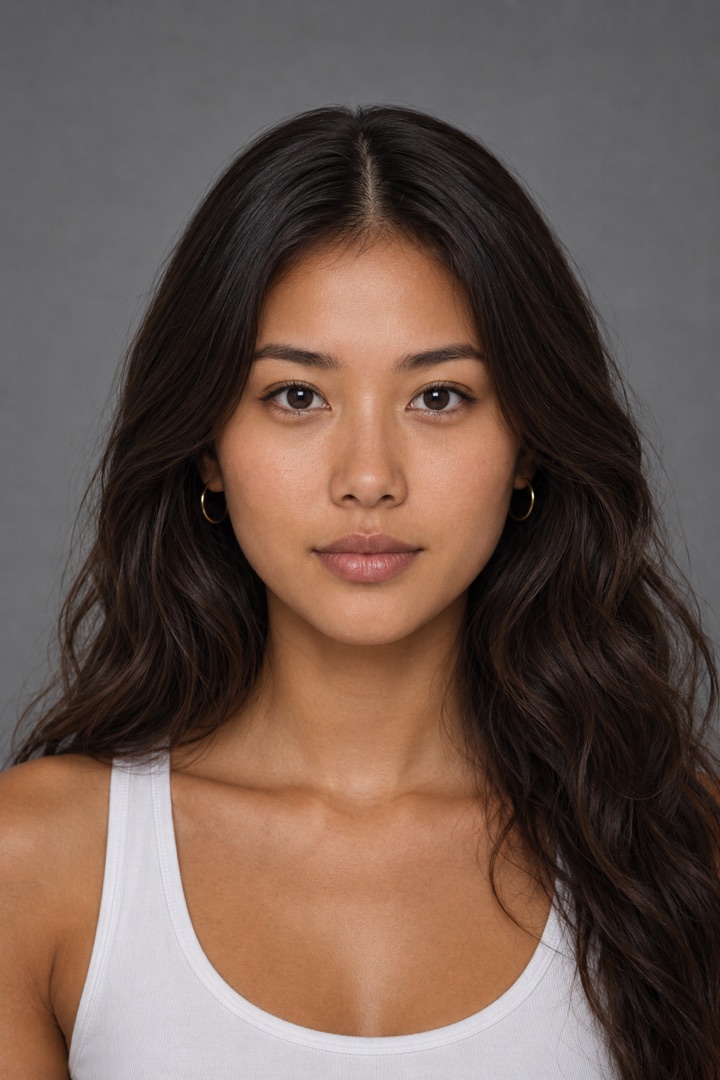

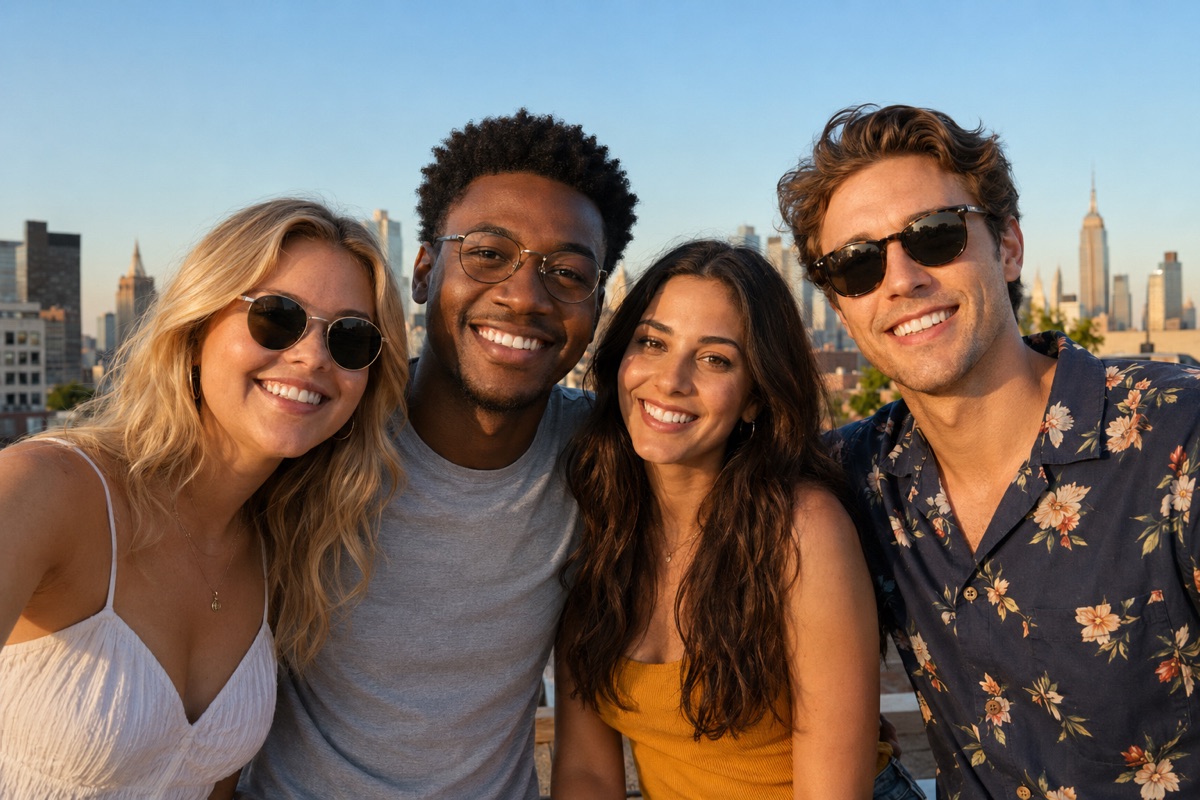



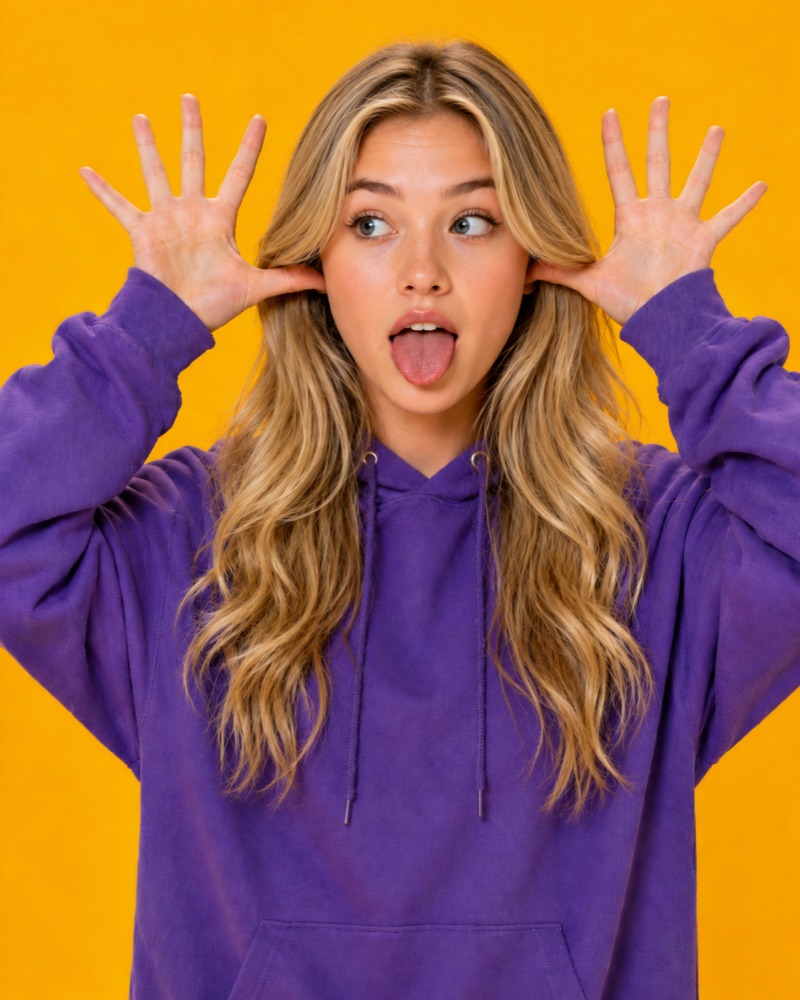

FaceSwapAI puts one face into any photo in seconds, free and right in your browser. Upload a scene, add a source face, and our AI matches skin tone, lighting, and expression for a realistic HD or 4K result — no watermark. Uploads auto-delete in 24 hours.
How the photo face swap works
FaceSwapAI detects the face in your target photo, maps its angle and lighting, then transfers the source face onto it. Instead of pasting a flat cutout, the AI re-renders skin tone, shadows, and expression to match the scene. The whole process runs server-side in seconds, and you preview the blend before downloading — so you only keep results that look real.
Built for memes, profiles, and social
Drop your face into a movie still, a famous portrait, a vacation shot, or a meme template, then post straight to TikTok, Reels, or group chats. Because output is HD or 4K with no watermark, swaps hold up as profile pictures and printed photos too — not just thumbnail-sized jokes. One source face, any target photo, ready in seconds.
Privacy and responsible use
Your photos are processed only to create your swap and are automatically deleted within 24 hours — we don't sell them or use them to train models. FaceSwapAI requires consent to use someone's likeness and strictly prohibits non-consensual, deceptive, or harassing swaps.
Tips for the most realistic swap
Use a clear, front-facing source face with even lighting and nothing covering the eyes, nose, or mouth. Match the rough head angle of your target photo, and pick a target with a visible, well-lit face. Higher-resolution inputs give cleaner 4K output. If a result looks off, swap in a sharper source photo — input quality drives realism more than anything else.
How to swap a face in a photo with FaceSwapAI
- Upload your target photo. Drag and drop the photo you want to edit into the FaceSwapAI uploader. JPG, PNG, and WebP all work, and no account is needed.
- Add the source face. Upload a clear, front-facing photo of the face you want to swap in. Good lighting and an unobstructed face give the most realistic blend.
- Generate the swap. Click Swap. The AI detects the face, then matches skin tone, lighting direction, and expression so the new face blends in naturally within seconds.
- Download in HD or 4K. Preview the result, choose HD or 4K, and download your watermark-free image. Your uploads are automatically deleted within 24 hours.
Frequently asked questions
Is FaceSwapAI photo face swap really free?
Yes. The photo face swap on FaceSwapAI is free, with no watermark on your results. Upload a photo, swap one face, and download it in HD.
How do I swap a face into a photo online?
Upload the photo you want to edit, then upload a clear front-facing photo of the face to add. Click Swap and the AI detects the face and blends in the new one, matching skin tone and lighting in seconds. Then download in HD or 4K.
Does FaceSwapAI store or keep my photos?
No. FaceSwapAI automatically deletes your uploaded photos and generated results within 24 hours. Images are processed only to create your swap and are not sold or used to train models.
Can FaceSwapAI produce 4K face swaps?
Yes. FaceSwapAI outputs HD by default and supports 4K resolution, so swapped faces stay sharp enough for printing, profile pictures, or large screens without the pasted-on look common in low-res tools.
Is using an AI photo face swap legal?
Swapping faces for fun, memes, or art is legal in most places, but you must have consent to use someone's likeness. FaceSwapAI prohibits non-consensual intimate imagery, deception, and impersonation.
Why does my face swap look fake, and how do I fix it?
Most fake-looking swaps come from blurry, side-angle, or poorly lit source faces. Use a sharp, front-facing photo with even lighting and an unobstructed face, and FaceSwapAI matches skin tone, lighting direction, and expression to blend it naturally.
Do I need to install an app to swap faces in a photo?
No. FaceSwapAI runs entirely in your browser on desktop and mobile, so there's nothing to download or install. Open the page, upload your photos, and swap a face in seconds.