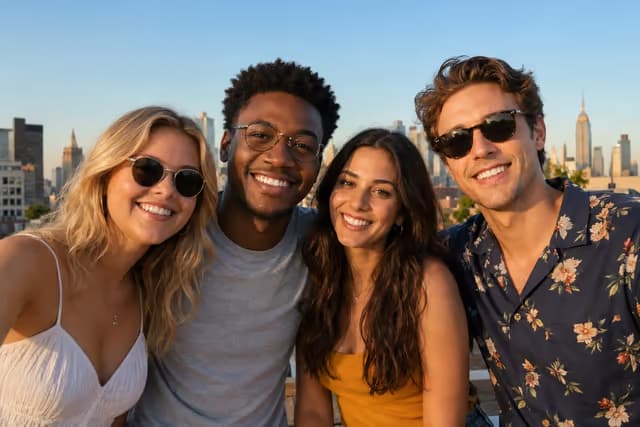
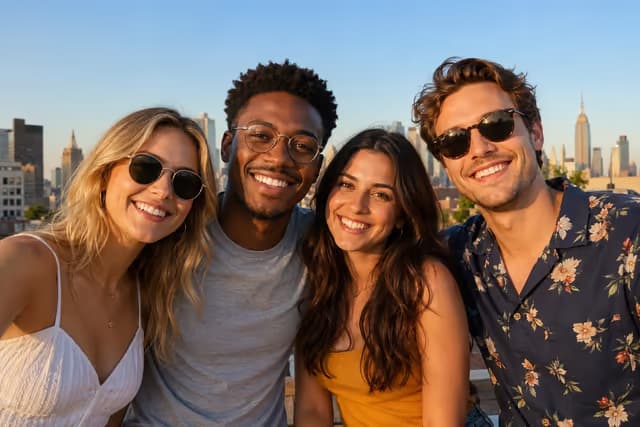
Wedding Face Swap — Fix Group Shots & Personalize Wedding Photos
Use an AI face swap on wedding photos you already have. Swap a closed-eyes face in a group shot for a better frame of the same person, put the two of you into a wedding-themed photo you own for a save-the-date, or make a fun GIF or video greeting for your guests. Every face needs that person’s permission. A face costs 6 credits, about $0.20 on the 600-credit pack.
FaceSwapAI does not provide wedding templates. You bring the wedding or engagement photo, GIF or video, so use one you took yourself, one your photographer allows you to edit, or one you otherwise have the rights to use.
1 · Upload
+
Source facethe one face to put on everyone
+
Group photoa photo with several faces
2 · Swap
6 credits (6 per selected face) · ≈ $0.20 on the $19.99 pack
3 · Download
Your swapped result appears herePreview
JPG · PNG · WEBP · source 15 MB · group 10 MB🔒 task files · deletion scheduled after 24h⚡ Results vary with input quality
Wedding face swap ideas
Each idea uses a tool that already exists on FaceSwapAI. Pick the one that matches your file.
01
Fix a closed-eyes group shot
Someone blinked in the best group photo? In Multiple Face Swap, select only that person’s face and upload a clear frame of the same person from the same event. Check the result closely before you print or share it.
Start from a wedding-themed photo you own or are licensed to use and put both of your faces into it, up to 10 faces in one picture, for a save-the-date card.
Record a short clip, up to 10 minutes and 100 MB, and swap a face in for a light-hearted greeting to show at the reception, with everyone in it on board. 100 MB is about 1–2 minutes of typical 1080p phone video, so compress or trim longer clips.
Photos cost 6 credits, group photos 6 credits per selected face, and GIFs and videos are billed per second of the length our server measures, with a minimum per task.
Consent comes first
Ask every person whose face you swap, including guests in the background you select, and only go ahead if they say yes.
Do not use faces of public figures, and do not upload photos of children without their parent’s or guardian’s permission.
Use wedding photos, GIFs and videos you took yourself or have the rights to edit; professional photos may need your photographer’s permission.
Never use a face swap to deceive anyone, for example to suggest someone attended or took part in something they did not.
Wedding face swap questions
Can I fix a wedding photo where someone has their eyes closed?
Often, yes. Open Multiple Face Swap, select only the face with closed eyes and upload a clear photo of the same person, ideally another frame from the same event. The swap is AI-generated, so check the face, lighting and edges before you print it. It costs 6 credits for one selected face.
Does FaceSwapAI have wedding templates?
No. FaceSwapAI does not supply wedding, bride or groom templates. Use your own wedding or engagement photos, GIFs or videos, or ones you have the rights to use.
How many faces can I swap in one wedding group photo?
Multiple Face Swap swaps up to 10 faces in one picture at 6 credits per selected face. You only pay for the faces you select, so one person costs 6 credits and a couple costs twice that.
How much does a wedding face swap cost?
A face costs 6 credits, about $0.20 on the 600-credit pack for $19.99. GIFs and videos cost credits per second of the measured length, with a minimum per task. There is no subscription.
Will my wedding photos have a watermark?
No. Every result is delivered without a watermark and does not contain your account email.
What happens to my wedding photos after the swap?
Uploaded and generated files are deleted automatically after 24 hours, so download the results you want to keep before then.